 Angled
Fold to measure
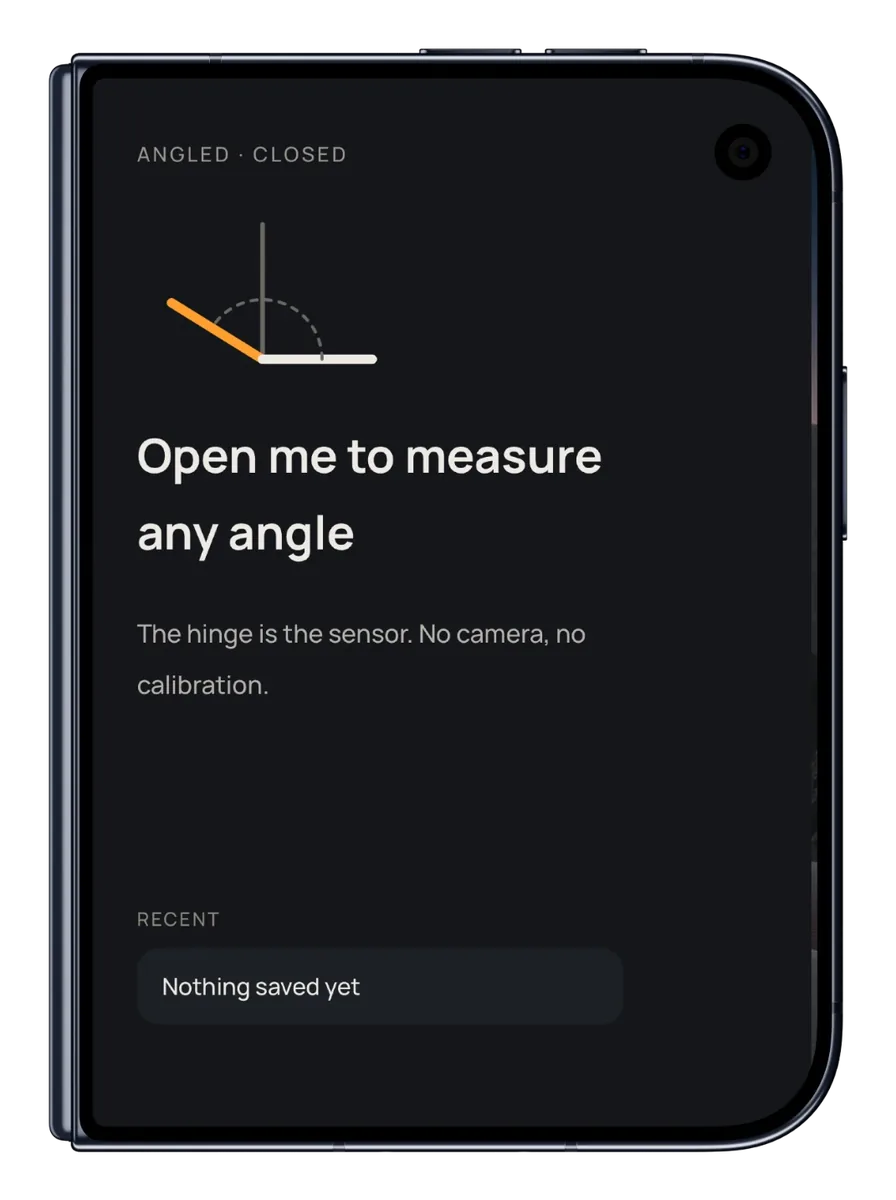
Rest one half on a surface, open the other, and read the angle live. The hinge is the sensor.
Fold your iPhone Duo and read the angle, live. No camera, no guesswork. Just fold.
Rest one half on a surface, open the other, and read the angle live. The hinge is the sensor.
No Duo? Press the edge of your phone against a surface to measure, or lay it flat as a spirit level.
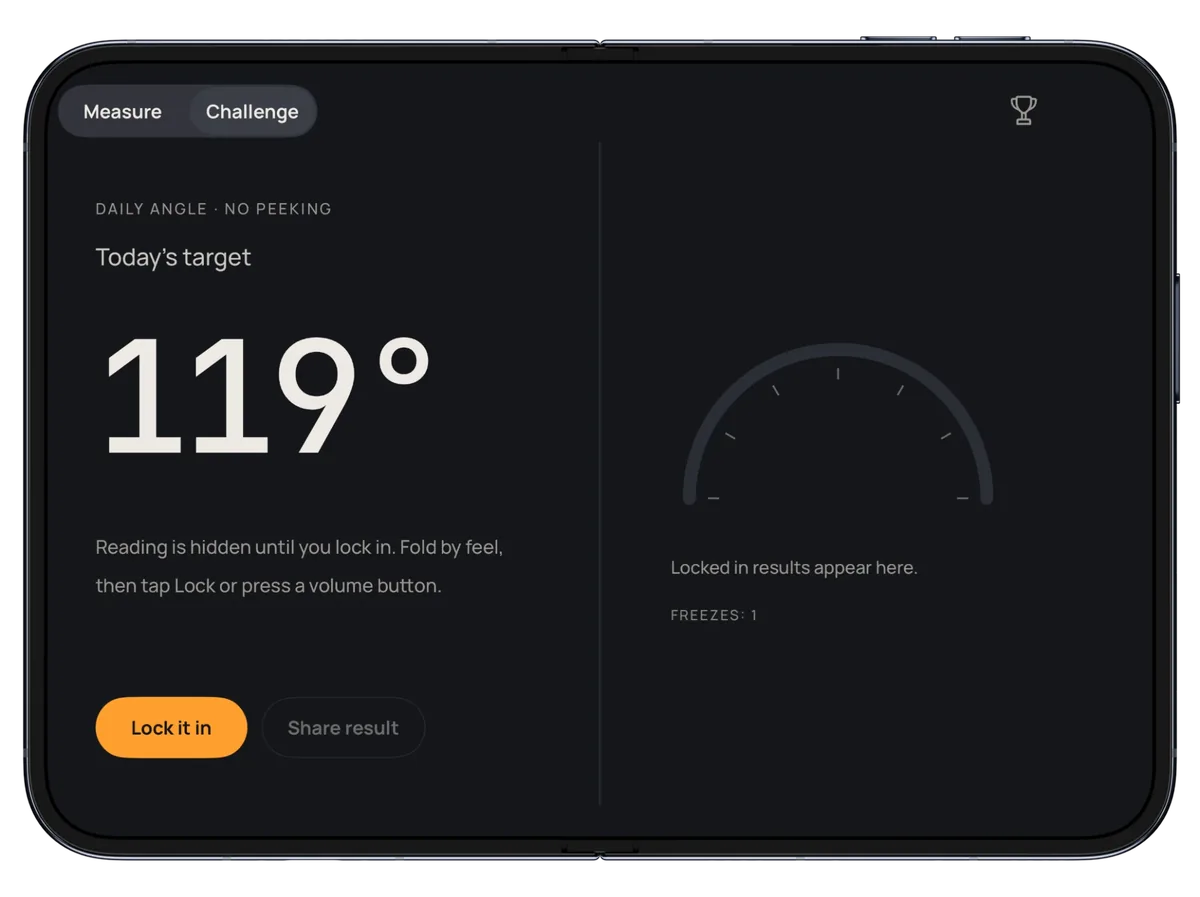
One target angle a day, the same for everyone. Fold by feel, lock it in, keep your streak.
In the app you fold by feel with the reading hidden. Here, drag the needle with your mouse or finger, lock it in, and see how close you get.
From hanging shelves to checking a mitre cut, the details that make a quick measurement reliable.
Freeze the reading, then move the phone and still see it.
Set any surface as 0° and measure relative to it.
Keep labelled readings so you can come back to them.
Feel a tap at 0°, 45°, 90°, 135° and 180° as you fold.
No subscription. No ads. No catch.
No. On iPhone Duo the hinge measures the angle directly. On any other iPhone, Angled uses tilt mode: press the edge against a surface to measure, or lay it flat as a level.
For the best result, use Zero here on a level surface first, then rest one half flat while you measure.
Everyone gets the same target angle each day. The reading is hidden, so you fold by feel, lock it in and see how close you got. Play every day to build a streak.
Unlimited saved readings and more colours, as a one-off purchase. There is no subscription.
No. There are no accounts, analytics, ads or tracking, and your readings never leave your phone. See the privacy policy.
Open Settings in the app and tap Restore Purchases.
At midnight, your local time.
Visit Angled Support or email support@richappz.com.